Video to Video
Summary
Transform and enhance existing video content through advanced AI processing. Apply artistic styles, effects, and quality improvements to create new video content that maintains the original's structure while achieving your desired aesthetic and technical goals.
Perfect for content creators, filmmakers, and video editors who need to apply consistent styles, enhance quality, or create artistic variations of existing video content.
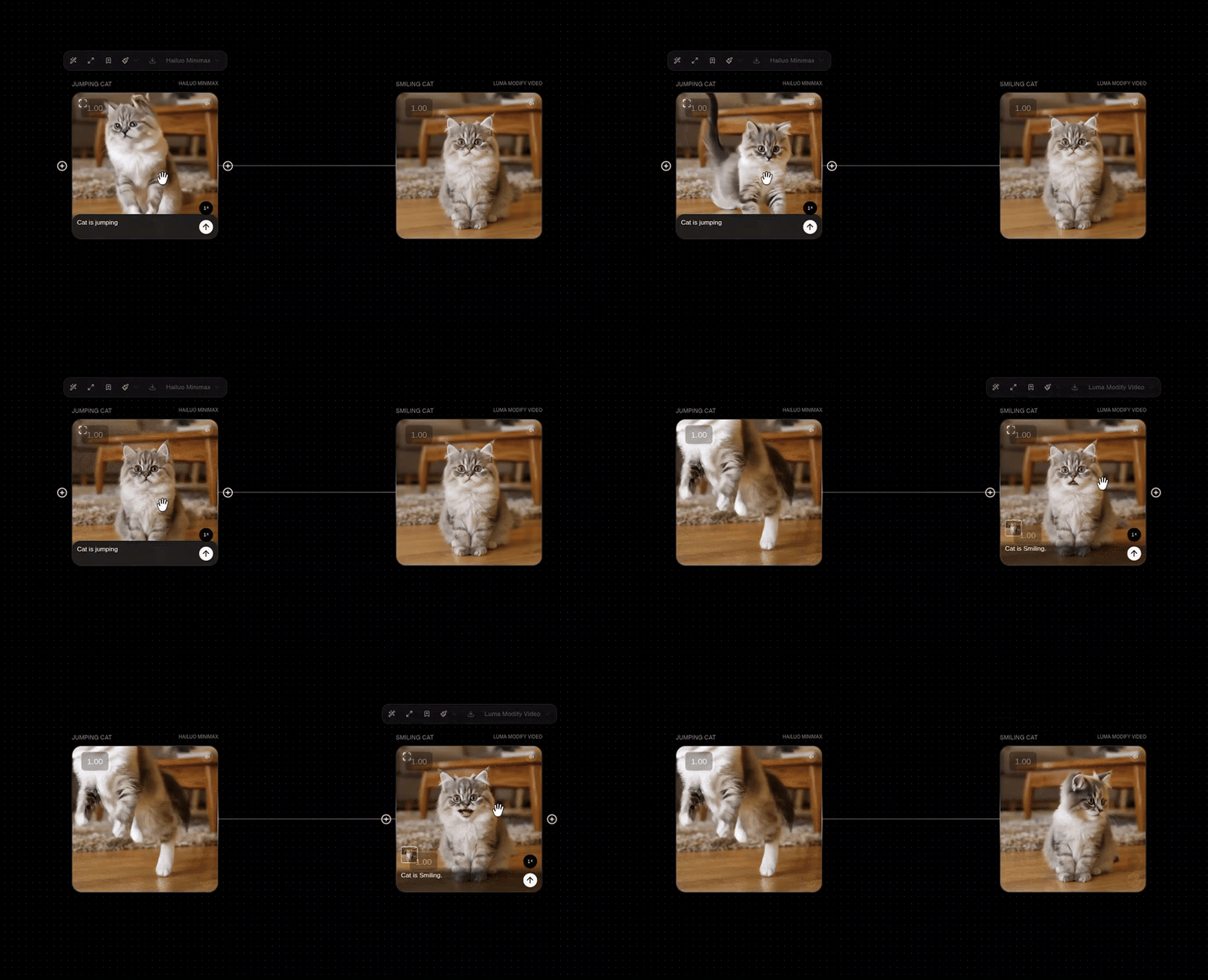
Video to Video Models
| Models | Description | Best For | Features |
|---|---|---|---|
| Luma Modify Video | Advanced video modification model with sophisticated transformation capabilities and style transfer. | High-quality video transformations with artistic style applications and content modification. | Video to Video |
Parameters
These are parameters that are applicable to all our base models.
| Parameter | Type | Effect on Output |
|---|---|---|
| Prompt | Text | The text prompt is processed through the selected model to guide the transformation. |
| Aspect Ratio | Landscape - 16:9 (576x1024), Portrait - 9:16 (1024x576), Square - 1:1. | This changes the output size of the node with a couple of options. |
| Seed | Seed | The seed is a deterministic number that indexes generations from the model. It's typically randomized, but you can set a seed if there's a particular output you're looking for! Keep in mind that all parameters must be the same in order for a given seed's output to persist. |
How to Use
Style Application: Apply consistent artistic styles and effects across your video content
Quality Enhancement: Improve video quality, resolution, and visual fidelity through AI processing
Workflow Integration: Connect with Text to Text blocks to refine transformation prompts and create complex processing chains
Example Workflows
Explore these community workflows showcasing Video to Video capabilities: