Sharing
Summary
FLOW AI's sharing system enables seamless project distribution. Share your creative workflows instantly with secure access controls, maintain project integrity, and showcase your work to the broader creative community.
Project Sharing
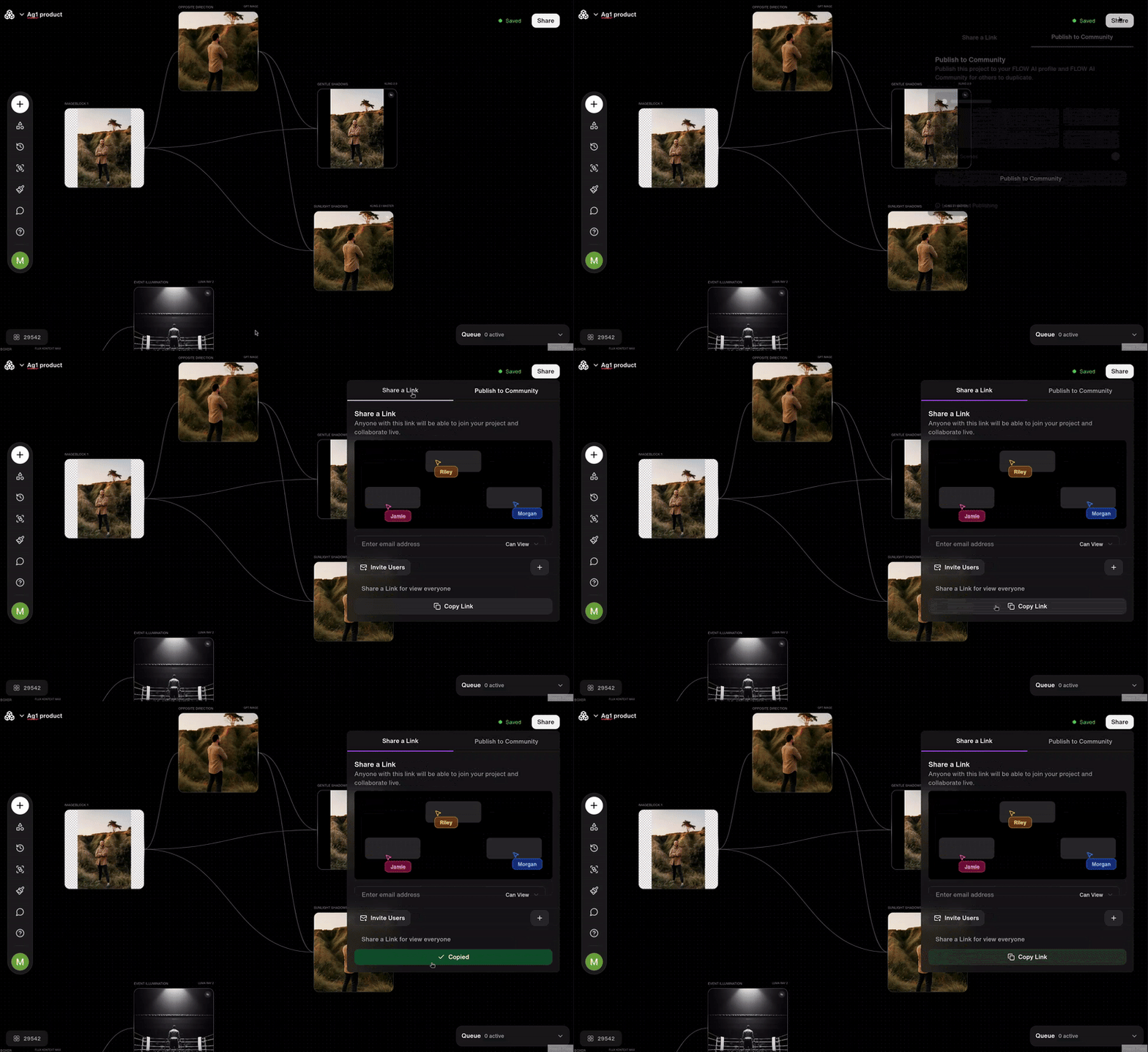
Share Project Link
Distribute your creative workflows with team members and collaborators through secure, shareable links. Access the parameter bar in the top right corner of the canvas and click the Copy Link button to generate an instant sharing link.
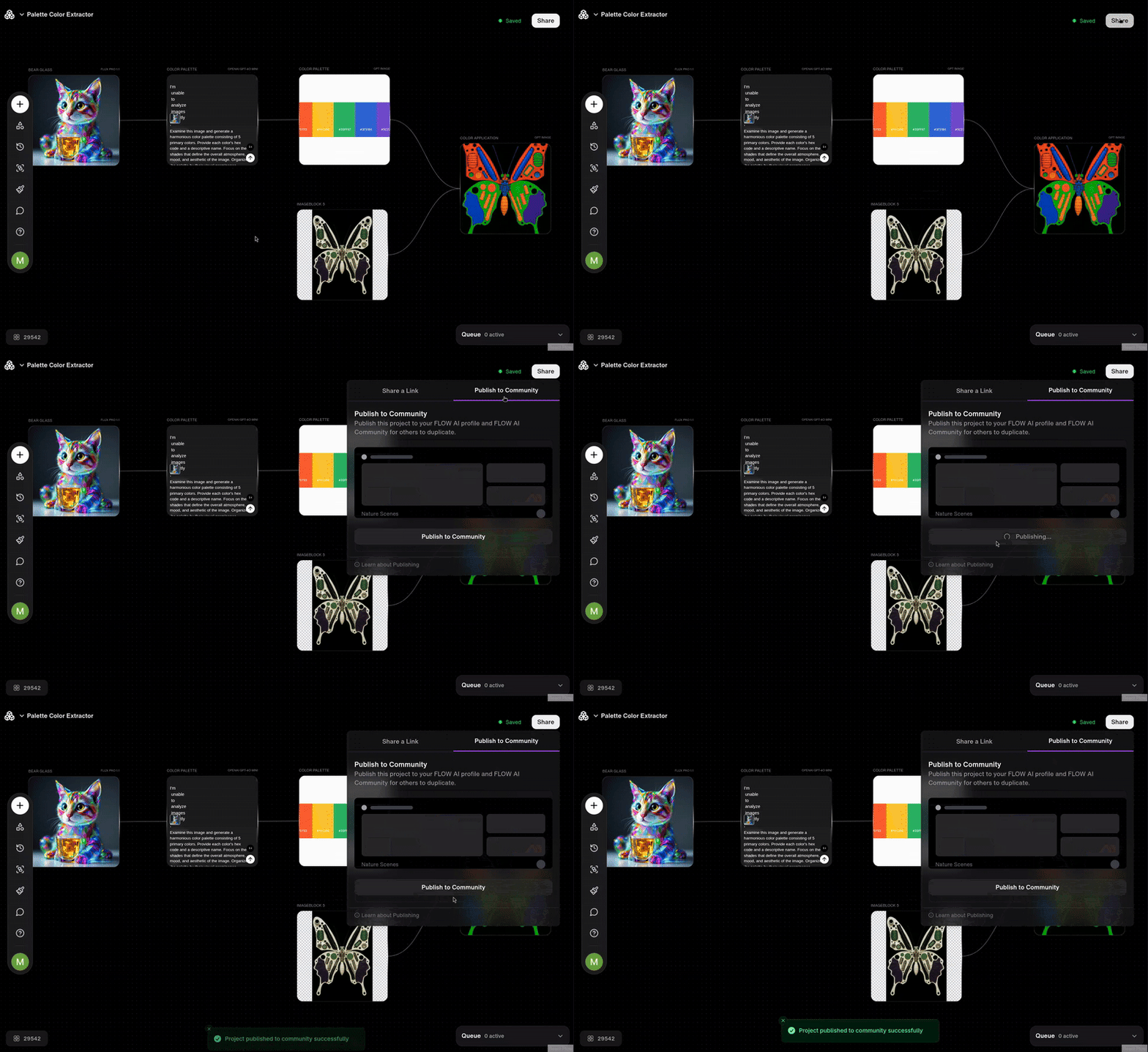
Publish to Community
To publish to community, navigate to the parameter bar in the top right corner of the canvas and click Publish to Community button. This makes your project visible to all FLOW AI users on the Community tab.
Contextual Comments: Interactive feedback system for precise collaboration and iteration
Update on Reload: Project changes made by collaborators become visible to everyone after reloading the workspace, ensuring all users see the latest version. -->