Image to Video
Summary
Image-to-Video models generate videos by taking a single image or multiple images as input, using the input image(s) to guide scene continuity, motion, and transitions, resulting in dynamic video content that expands the static visuals into a moving narrative while maintaining visual consistency.
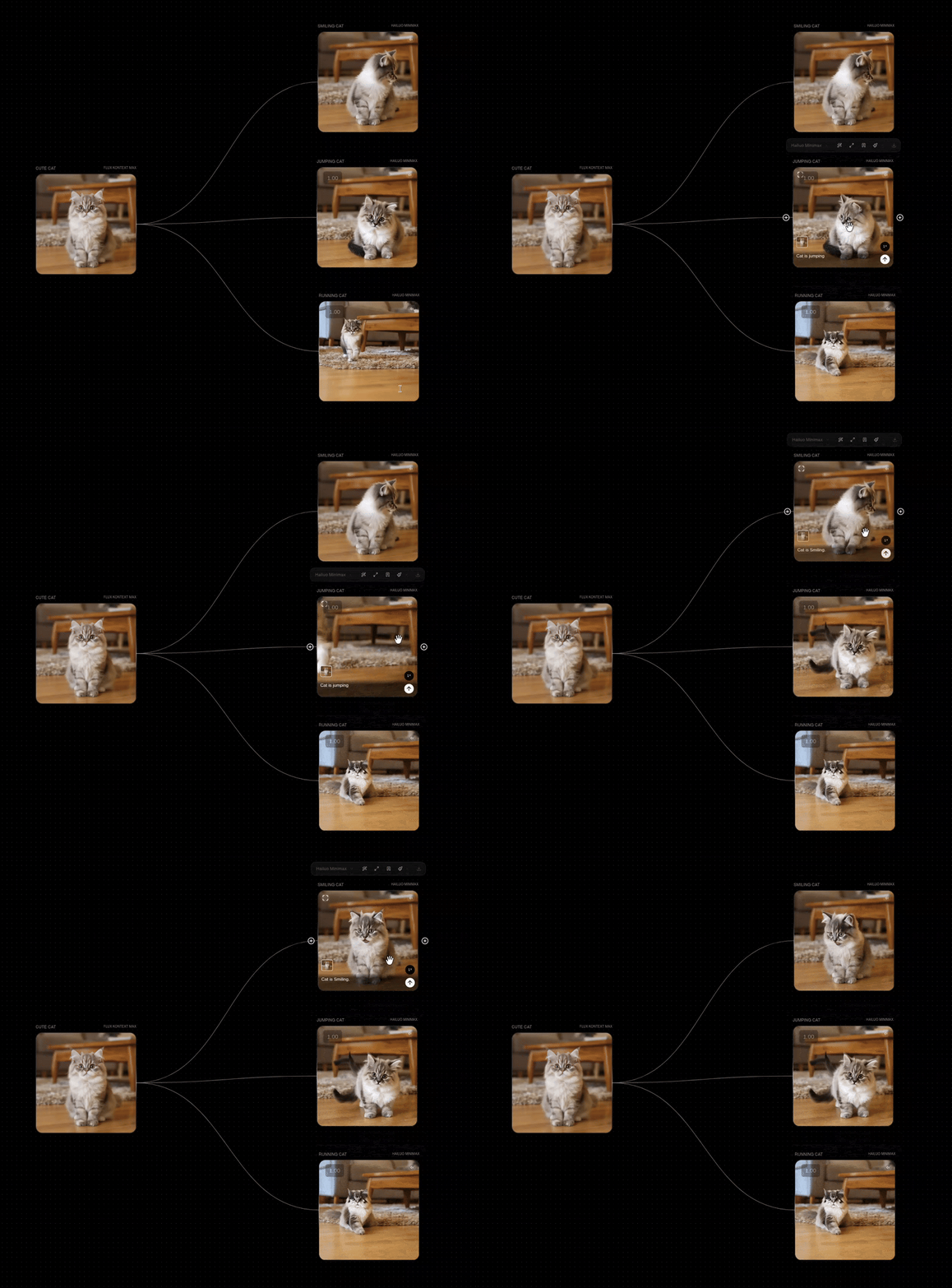
Image(s) to Video Models
| Model | Description | Best For | Features |
|---|---|---|---|
| Hailuo Minimax | Advanced multimodal model with strong contextual understanding. Good at interpreting complex prompts and maintaining narrative consistency. | Long-form videos with detailed storylines and character continuity. | Image to Video, Text to Video |
| Minimax Hailuo 02 | Enhanced version with support for two images to video generation. | Advanced video generation with multiple image inputs. | Image to Video, Text to Video, Two Images to Video |
| Google VEO 2 | Google's Veo2 model offers high cinematic quality and dynamic motion. It excels in rendering smooth transitions and diverse motion dynamics. | Creating cinematic videos with realistic motion and high-quality output. | Image to Video, Text to Video |
| Kling 2.1 Master | Offers cinematic-grade video generation with complex camera movements like zooms and pans. | Creating cinematic videos with complex camera movements and mixed inputs. | Text to Video, Image to Video |
| Kling 2.0 | Enhanced version with improved quality and consistency for image-to-video generation. | High-quality video generation with better motion understanding from images. | Text to Video, Image to Video |
| Kling 1.6 Pro | Specializes in photorealistic rendering with advanced lighting and physics simulation. Supports two images to video. | Product demos, architectural visualizations, and realistic human movements from images. | Text to Video, Image to Video, Two Images to Video |
| Luma Ray 2 | A large-scale video generative model capable of creating realistic visuals with natural, coherent motion from images. | Generating realistic videos with coherent motion from images. | Text to Video, Image to Video |
| Luma Ray Flash 2 | A variant of Luma Ray 2 model optimized for faster and more cost-effective generation from images. | Quick generation of short, realistic videos from images. | Text to Video, Image to Video |
| Lightricks LTXV | Good for maintaining smooth transitions between frames, reducing flickering and scene inconsistencies when generating from images. | Generating dynamic video content quickly for storyboards and animatics with fluid scene transitions. | Text to Video, Image to Video |
Parameters
These are parameters that are applicable to all our base models.
| Parameter | Type | Effect on Output |
|---|---|---|
| Prompt | Text | The text prompt is processed through the selected model. |
| Seed | Seed | The seed is a deterministic number that indexes generations from the model. It's typically randomized, but you can set a seed if there's a particular output you're looking for! Keep in mind that all parameters must be the same in order for a given seed's output to persist. |
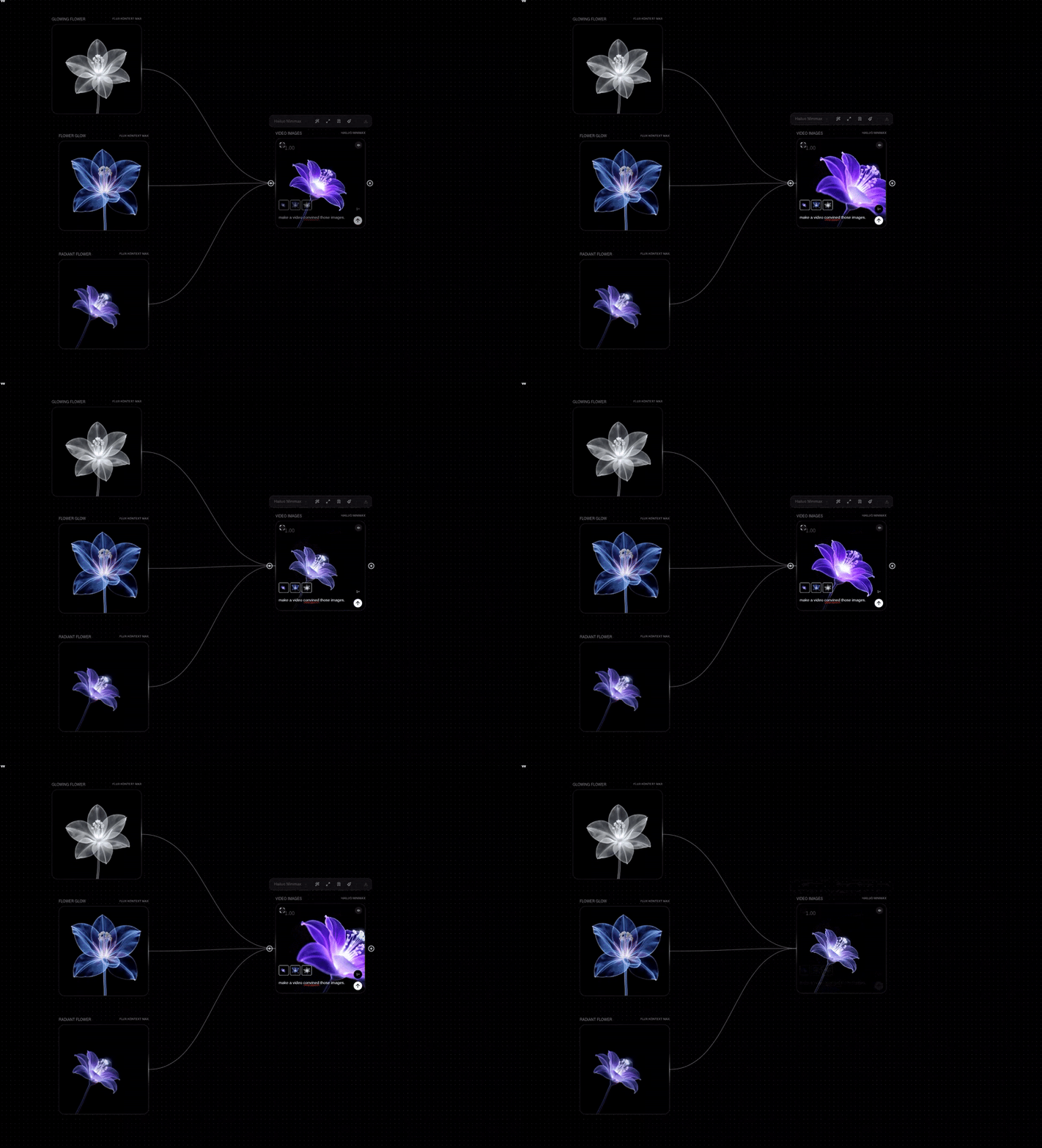
Images to Video
The Images to Video node generates a video by connecting multiple frames. You can input up to 9 frames and the model will fill in the gaps! It primarily uses IP-Adapter based morphing techniques that's happening in the backend.
You can interact with it in a number of ways:
- Input images by clicking the upload button in the node itself
- Connect any image output to the node and it'll populate the images section
- Reorder or delete images once populated
- Use the prompt to help guide the output!
How to use
Here are some example workflows using Text to Video in our community page: