Image to Image
Summary
Transform and enhance existing visuals through intelligent AI processing. Perfect for creative iteration, style experimentation, and visual refinement with precise control over every aspect of your images.
Whether you're evolving concept sketches, applying new artistic styles, or blending multiple visual elements, Image to Image provides the tools to push your creative boundaries and achieve professional-quality results.
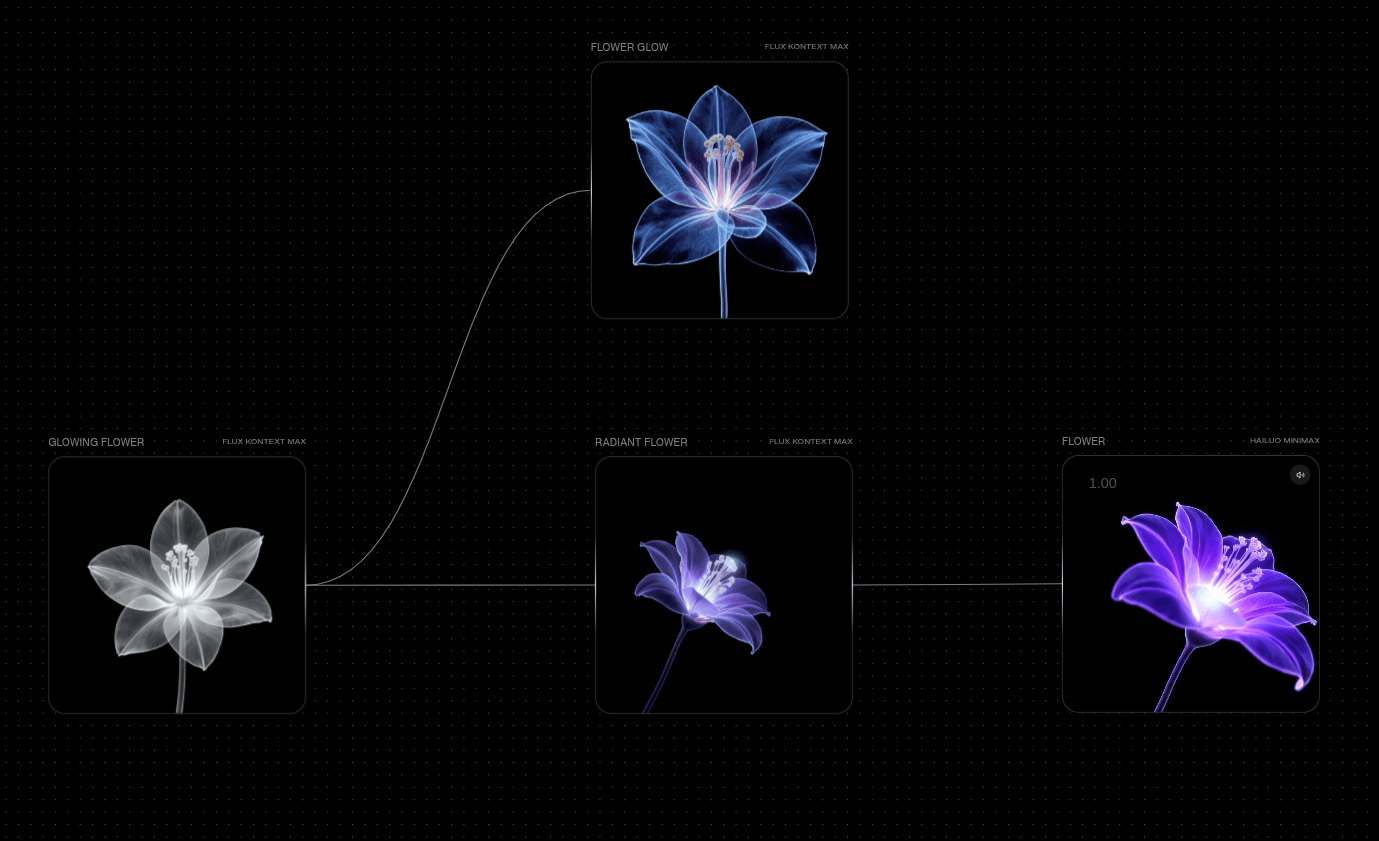
Image to Image Models
| Model | Description | Best For | Features |
|---|---|---|---|
| Flux Kontext Max | A powerful model that understands both visual and textual context for high-fidelity image transformations. | Advanced image editing, style transfers, and contextual transformations. | Text to Image, Image to Image, Two Images to Image |
| Flux Dev | A lightweight model optimized for speed and cost-efficiency in image-to-image transformations. | Quick image transformations, style transfers, and rapid prototyping. | Text to Image, Image to Image |
| Flux Pro 1.1 | An advanced version with higher quality outputs for image-to-image transformations. | High-quality image editing, commercial transformations, and detailed modifications. | Text to Image, Image to Image |
| GPT Image | Multimodal model that can generate, edit, and transform images based on text and image inputs. | Editing and transforming images with high fidelity and contextual understanding. | Text to Image, Multiple Images to Image |
| Ideogram v3 Balanced | Capable of generating artistic and illustrative visuals with image-to-image capabilities. | Artistic transformations, style transfers, and creative image modifications. | Text to Image, Image to Image |
| Luma Photon | Photorealistic image generation with image-to-image capabilities, focusing on lighting and shading. | Realistic image transformations, architectural visualizations, and photorealistic modifications. | Text to Image, Image to Image |
Parameters
| Parameter | Type | Effect on Output |
|---|---|---|
| Prompt | Text | The text prompt is processed through various visual information extraction models (Canny, Depth, Redux), each uniquely interpreting different features of the input image to generate new visuals. |
| Style | Different kinds of stylistic presets (3D, Anime, Cyberpunk, Extreme Detailer, Game Asset, Logo, Midjourney, Motion Blur, Panorama, Pixar, Pixel, Retrofuturism, Studio Ghibli, Tarot Card, Thermal Image, Vector, Victorian Drawing, Watercolor). | The style presets modify the rendering phase by influencing color schemes, textures, and artistic techniques, transforming the structural output from ControlNet into diverse visual interpretations. |
| Strength | 0%-100% | The strength parameter alters the amount that the text influences the output image versus the source image. The higher the strength is, the more influence the text has. |
| Image Size | Auto,Landscape - 16:9 (576x1024),Portrait - 4:3 (768x1024),1:1,Landscape - 4:3 (1024x768), Portrait - 9:16 (1024x576). | This changes the output size of the node with a couple of options. |
| Seed | Seed | The seed is a deterministic number that indexes generations from the model. It's typically randomized, but you can set a seed if there's a particular output you're looking for! Keep in mind that all parameters must be the same in order for a given seed's output to persist. |
Prompt
In the Flux Model, the text prompt directs style and content across all three models.
- "Vibrant oil painting colors"
- "Pastel watercolor tones"
- "Surreal cosmic color shifts"
- "Retro VHS color grading"
- "High-contrast monochrome sketch"
- "Dreamy ethereal palette"
- "Moody film noir lighting"
Example Workflows
Explore these community workflows showcasing Video to Text capabilities: